Developer guide
Webhooks
Push every Relay call directly into your own backend, CRM, or custom workflow. When something happens on a call, Relay sends an HTTPS request to a URL you control.
Available on Team and Business plans
Custom webhooks are included on the Team ($149/mo) and Business ($299/mo) plans. Solo plan tenants who want call data in another system can still use Zapier, see the Zapier guide.
What is a webhook?
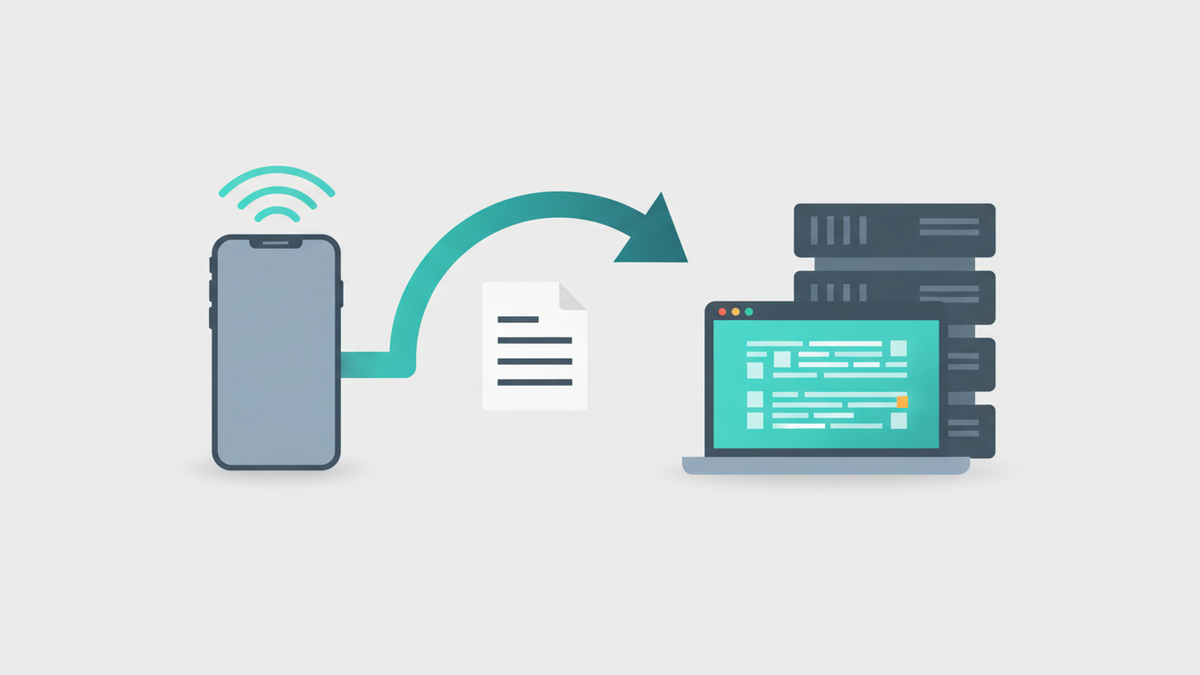
A webhook is a way for Relay to tell your server "something just happened" the moment it happens, without you having to ask. Instead of you calling our API every few minutes to check for new calls (polling), you give us a URL and we call you when there's something to share.
Mechanically, every event is a plain POST request to your URL with a JSON body. Your server reads the JSON,
does whatever you want with it, and returns a 2xx response. That's the entire protocol.
Webhooks or Zapier, which do I want?
Both deliver the same call data. The difference is who writes the glue code.
Use Zapier if…
- You want a no-code setup
- Your destination is a common app (Sheets, Slack, HubSpot, Twilio SMS, etc.)
- You're fine with Zapier's monthly task limits and pricing
- You want to be running in 5 minutes
Use webhooks if…
- You have (or will write) a server that can receive HTTPS POSTs
- You need custom logic, enrichment, routing, conditional processing
- Your destination isn't on Zapier, or you need lower per-call cost
- You want to handle high call volume without per-task fees
You're already reading the right page.
You can use both. A Zap and a custom webhook on the same event fire independently, they don't conflict.
What you'll need
- A Relay subscription on the Team or Business plan
- A public HTTPS endpoint to receive requests (http:// is rejected for security reasons). For local development, tunnel it with ngrok or similar.
- Any language/framework that can parse JSON and compute HMAC-SHA256 (every modern stack can, examples in Node, Python, and Ruby below)
Setting up a webhook
Build a receiving endpoint
Spin up an HTTPS route on your server that:
- Accepts
POST - Reads the request body as raw bytes before parsing JSON, you'll need them as-is to verify the signature
- Verifies the signature (see step 4)
- Returns
200within 10 seconds
The endpoint can do anything inside, write to a database, enqueue a job, send a Slack message, forward to another service. As long as it responds 2xx fast, you're good.
Register the webhook in Relay
Open Dashboard → Webhooks and click Add webhook. Fill in:
- URL, the HTTPS endpoint from step 1
- Events, check any subset of
call.completed,call.urgent,appointment.booked - Description (optional), a label so future-you remembers what this hook is for
Click Create and Relay returns a one-time signing secret.
Save the signing secret
The secret is shown once. Copy it immediately and store it as an
environment variable in your server's config (something like
RELAY_WEBHOOK_SECRET). Treat it like any other API credential, don't commit it
to git, don't paste it into Slack.
If you lose it, you can rotate it from the dashboard, that invalidates the old secret and gives you a fresh one.
Verify the signature on every request
Every delivery includes two headers Relay's server signs with your secret:
X-Relay-Timestamp, unix seconds (used to reject replays)X-Relay-Signature,sha256=<hex>
Recompute the signature on your side and constant-time compare. Code snippets in the signature verification section below.
Send a test delivery
Back on Dashboard → Webhooks, click the Test button on your new webhook. Relay sends a synthetic payload (the same shape as a real call) so you can verify your endpoint, signature check, and downstream logic without making an actual phone call.
Hit the View log button to see the delivery result. If you get a 200, you're done, the next real call that matches one of your subscribed events will fire automatically.
The three events
A single webhook can subscribe to any combination, you don't need three separate webhooks unless you want to route them to different URLs.
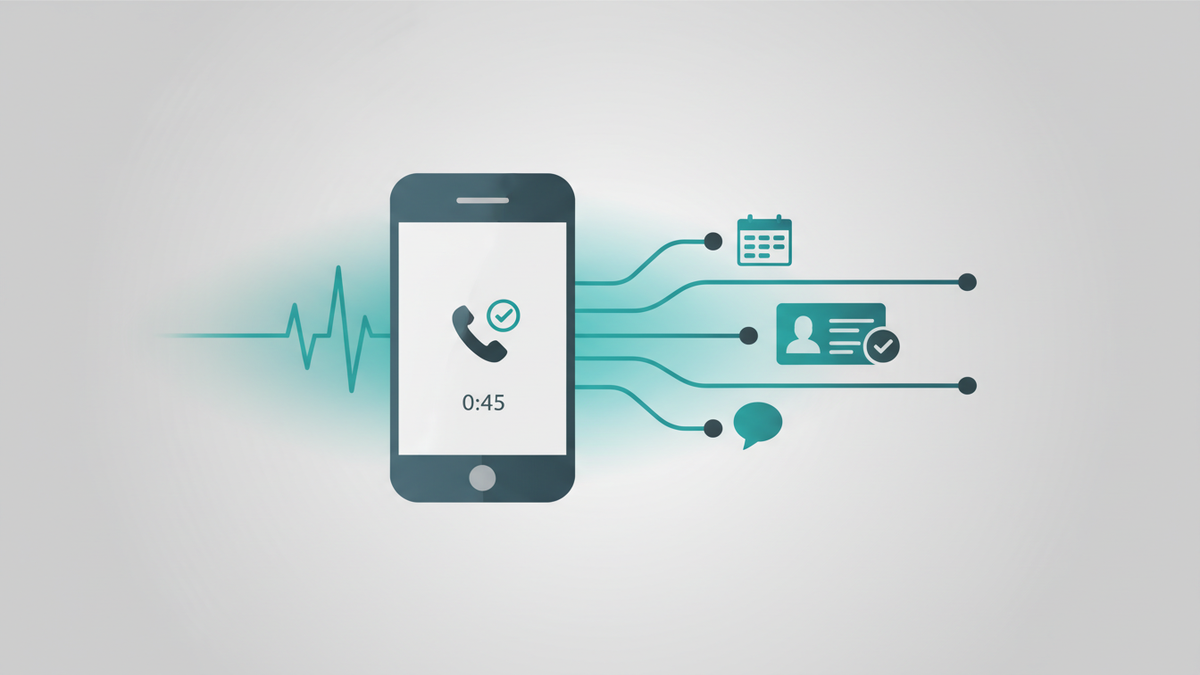
call.completedFires after every completed call, receptionist mode, assistant mode, demo mode. Delivered once Relay has transcribed the call and produced the summary (usually within 30–60 seconds of hangup).
Payload includes
Caller phone + name, the number they dialed, duration, billable minutes, call summary, urgency, mode, transcript URL, any booked appointments, and the call's stable identifier.
Common use cases
- Sync to your CRM, upsert a contact, log the call as an activity
- Archive to a data warehouse, BigQuery, Snowflake, Postgres, for analytics
- Trigger your own follow-up flow, drip campaigns, internal routing, lead scoring
- Fan out to multiple systems, your server can decide where each call should go
- Custom alerts, Slack/Teams/Discord with logic Zapier can't easily express
call.urgent
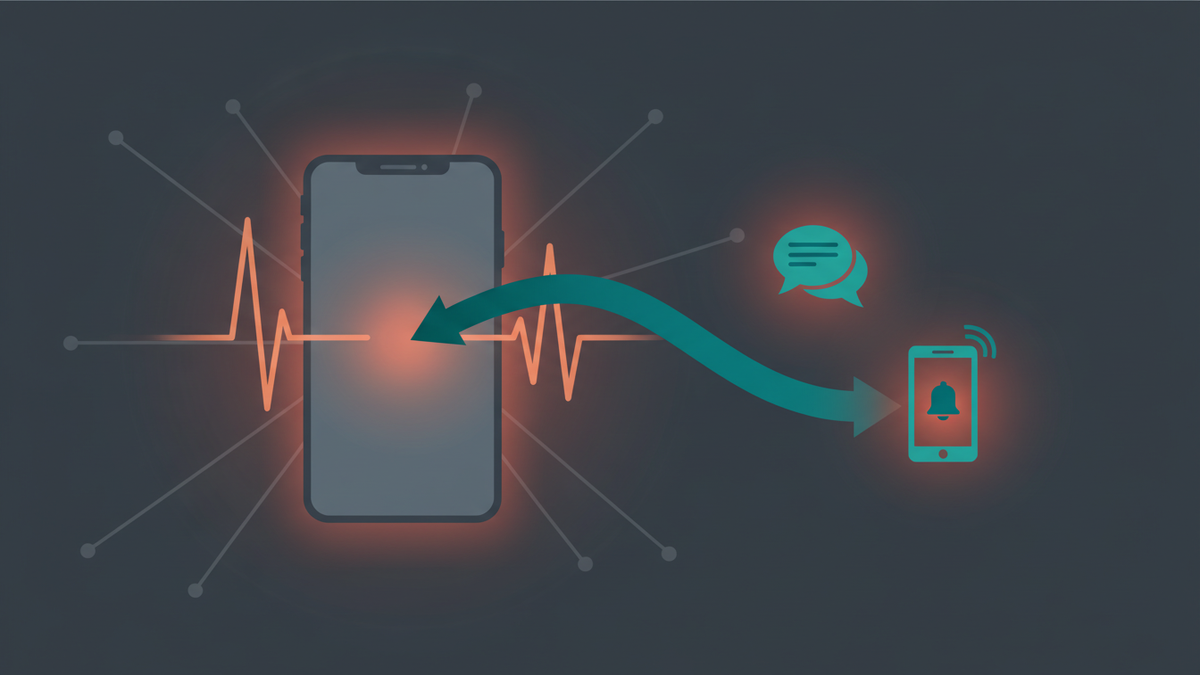
Same payload as call.completed, but fires only for calls Relay's
classifier flags as urgent. You don't configure the classifier, it reads the transcript and
caller tone automatically.
Common use cases
- Page on-call staff, PagerDuty, Opsgenie, or your own paging stack
- SMS or call yourself instantly via Twilio, Vonage, or your own SMS gateway
- Open a high-priority ticket in your help desk with a 30-minute SLA
- Push a notification to a mobile app via FCM or APNs
- Wake a Slack workflow that escalates if nobody acknowledges in N minutes

appointment.bookedFires when Relay books an appointment during a call. (Requires Google Calendar connected in Dashboard → Calendar.) If a single call books multiple appointments, the event fires once per appointment.
Payload includes
Start / end UTC, time zone, caller name, caller phone, stated purpose, the appointment's event ID, and the originating call's SID for cross-referencing.
Common use cases
- Mirror into another calendar system, Outlook, Apple, internal scheduling
- Block the slot in a booking tool, Calendly, Acuity, Cal.com, to prevent double-booking
- Create a CRM deal/opportunity with the appointment attached
- Schedule reminder SMS 24 hours and 1 hour before
- Pre-create video meeting rooms, Zoom, Google Meet, Whereby
Payload reference
Every delivery is a POST with a JSON body in this envelope:
{
  "version": "2026-05-05",
  "event": "call.completed",
  "timestamp": "2026-05-05T14:23:00Z",
  "webhookId": "whk_abc123",
  "data": { ... event-specific fields ... }
}
version is the contract version. We bump it on breaking shape changes, treat unrecognized
versions as a signal to update your integration before processing. Additive fields (new optional keys
inside data) are not breaking and don't bump the version.
call.completed / call.urgent sample
{
  "version": "2026-05-05",
  "event": "call.completed",
  "timestamp": "2026-05-05T14:23:00Z",
  "webhookId": "whk_abc123",
  "data": {
    "sid": "CA...",
    "tenantId": "tnt_...",
    "caller": "+12125551234",
    "callerName": "John Smith",
    "calledLine": "+18885559876",
    "duration": 142,
    "billableMinutes": 3,
    "startedAt": "2026-05-05T14:20:38Z",
    "endedAt": "2026-05-05T14:23:00Z",
    "endReason": "caller-hangup",
    "summary": "Caller asked about pricing for the team plan...",
    "urgency": "normal",
    "mode": "receptionist",
    "appointmentsBooked": [],
    "transcriptUrl": "https://api.relay.sandybrook.io/api/calls/CA.../transcript",
    "redirect": null
  }
}
appointment.booked sample
{
  "version": "2026-05-05",
  "event": "appointment.booked",
  "timestamp": "2026-05-05T14:23:00Z",
  "webhookId": "whk_abc123",
  "data": {
    "sid": "CA...",
    "tenantId": "tnt_...",
    "eventId": "evt_...",
    "startUtc": "2026-05-07T15:00:00Z",
    "endUtc": "2026-05-07T15:30:00Z",
    "timeZoneId": "America/New_York",
    "callerName": "John Smith",
    "callerPhone": "+12125551234",
    "purpose": "Initial consultation"
  }
}
Signature verification
Verify the signature on every request. Without it, anyone who guesses your URL can send fake call data into your system.
The signature is HMAC-SHA256 over {timestamp}.{rawBody}, the
X-Relay-Timestamp header value, a literal period, then the
exact raw request body bytes (before any JSON parsing or middleware re-encoding). Compute on your
side, constant-time compare. Reject any request older than ~5 minutes (compare the
timestamp to your server clock) to prevent replay attacks.
Node.js (Express)
const crypto = require("crypto");
const express = require("express");
const app = express();

// IMPORTANT: capture the raw body for HMAC verification
app.use("/relay-hook", express.raw({ type: "application/json" }));

app.post("/relay-hook", (req, res) => {
  const timestamp = req.header("X-Relay-Timestamp");
  const signature = req.header("X-Relay-Signature");
  const rawBody = req.body; // Buffer

  if (!verify(rawBody, timestamp, signature, process.env.RELAY_WEBHOOK_SECRET)) {
    return res.status(401).send("bad signature");
  }
  if (Math.abs(Date.now() / 1000 - Number(timestamp)) > 300) {
    return res.status(401).send("stale timestamp");
  }

  const payload = JSON.parse(rawBody.toString("utf8"));
  // ...do your thing...
  res.status(200).send("ok");
});

function verify(rawBody, timestamp, sigHeader, secret) {
  const expected = crypto
    .createHmac("sha256", secret)
    .update(`${timestamp}.${rawBody}`)
    .digest("hex");
  const provided = sigHeader.replace(/^sha256=/, "");
  return crypto.timingSafeEqual(
    Buffer.from(expected, "hex"),
    Buffer.from(provided, "hex"),
  );
}
Python (Flask)
import hmac, hashlib, os, time
from flask import Flask, request, abort

app = Flask(__name__)
SECRET = os.environ["RELAY_WEBHOOK_SECRET"]

@app.post("/relay-hook")
def relay_hook():
    timestamp = request.headers.get("X-Relay-Timestamp", "")
    signature = request.headers.get("X-Relay-Signature", "")
    raw_body = request.get_data()  # bytes, before JSON parsing

    if not verify(raw_body, timestamp, signature, SECRET):
        abort(401)
    if abs(time.time() - int(timestamp)) > 300:
        abort(401)

    payload = request.get_json()
    # ...do your thing...
    return "ok", 200

def verify(raw_body, timestamp, sig_header, secret):
    payload = f"{timestamp}.{raw_body.decode('utf-8')}".encode()
    expected = hmac.new(secret.encode(), payload, hashlib.sha256).hexdigest()
    provided = sig_header.removeprefix("sha256=")
    return hmac.compare_digest(expected, provided)
Ruby (Rails)
require "openssl"

class RelayHookController < ApplicationController
  skip_before_action :verify_authenticity_token

  def receive
    raw_body  = request.raw_post
    timestamp = request.headers["X-Relay-Timestamp"]
    signature = request.headers["X-Relay-Signature"]

    return head :unauthorized unless verify(raw_body, timestamp, signature)
    return head :unauthorized if (Time.now.to_i - timestamp.to_i).abs > 300

    payload = JSON.parse(raw_body)
    # ...do your thing...
    head :ok
  end

  private

  def verify(raw_body, timestamp, sig_header)
    expected = OpenSSL::HMAC.hexdigest("sha256", ENV["RELAY_WEBHOOK_SECRET"], "#{timestamp}.#{raw_body}")
    provided = sig_header.to_s.sub(/^sha256=/, "")
    Rack::Utils.secure_compare(expected, provided)
  end
end
Retry and idempotency
Return 2xx within 10 seconds and the delivery is marked successful. Any other status (or no
response) and Relay retries on a managed queue:
- Up to 5 attempts total
- Backoff: 30 seconds → 1 hour, exponential
- Max retry duration: 24 hours
Make your endpoint idempotent
Because each attempt is independent, your endpoint may receive the same event more than once.
Use webhookId (in the envelope) or data.sid (on call events) /
data.eventId (on appointment events) as a dedupe key. Store the key after first successful
processing; reject duplicates with a 200 so Relay doesn't retry.
Managing your webhooks
Everything lives on Dashboard → Webhooks. Each row has these controls:
Test
Send a synthetic payload to your URL, same shape as a real event. Verifies your endpoint and signature check before you wait for a real call.
View log
30 days of delivery history per webhook, every attempt, response code, latency, and the request/response bodies. Includes a Retry now button for failed deliveries.
Pause / Resume
Stop deliveries temporarily without losing the configuration. Useful during maintenance on your receiving server.
Rotate secret
Issue a fresh signing secret. The old one is invalidated immediately, your endpoint will start failing verification until you update its environment variable.
Troubleshooting
Signature verification keeps failing
Almost always one of these:
- You're hashing the parsed body, not the raw bytes. Most frameworks parse JSON before your handler runs, then re-serialize it differently than Relay did. Grab
request.raw/req.bodyas a Buffer /request.get_data(), whatever your framework calls "the bytes before parsing." - You forgot the literal period. The signed string is
timestamp + "." + body, not just the body. - You're hashing the
sha256=prefix. Strip it from the incoming header before comparing. - Wrong secret. If you rotated, did you update the env var on every server instance?
Delivery log shows my endpoint returned 5xx / timed out
You have 10 seconds to respond. If your handler does heavy work (sending email,
calling slow APIs, generating reports), enqueue a background job and return 200 immediately.
Don't process synchronously inside the handler.
I'm getting the same event twice
That's by design, at-least-once delivery. Dedupe on webhookId or the event-specific ID
(data.sid for calls, data.eventId for appointments). See the Retry section above.
My ngrok URL keeps changing during development
That's a free-ngrok limitation. Either pay for a reserved domain or update the URL on the webhook from the dashboard each session. The signing secret stays the same when you only change the URL.
I expected a webhook to fire and nothing happened
Check, in order:
- Is the webhook Active? (Paused webhooks queue nothing.)
- Did you subscribe to the right event? (A webhook only fires for events it's checked.)
- Did the call actually complete? Failed/abandoned calls don't fire
call.completed. - Was the call flagged urgent for
call.urgent? Check the call's urgency in Dashboard → Calls. - Look at the View log for the webhook, if it shows zero attempts, the event didn't match. If it shows attempts but they're all failing, the issue is downstream.
Common questions
How many webhooks can I create?
Team plan up to 5 custom webhooks; Business up to 20. Solo doesn't include custom webhooks, upgrade to Team or use Zapier instead. Webhooks created through Zapier are budgeted separately and don't compete for this limit.
Does Relay support custom event types or filters?
Not yet, the three built-in events cover most use cases. Do filtering in your endpoint
(the payload includes mode, urgency, calledLine, etc.).
Can I receive call audio or the transcript inline?
The payload includes transcriptUrl, fetch it on demand with your API key. Audio
recordings aren't included in the webhook body for size reasons; access them through
the Relay API.
What if my server is offline?
Relay retries for up to 24 hours. After that the delivery is marked failed and shows up in the log with the final error. You can manually trigger a re-send from the log within the 30-day log retention window.
Does Relay support IP allow-listing?
Outbound webhooks come from Google Cloud Run, which uses a large dynamic IP range. We recommend HMAC signature verification (which is cryptographically strong) instead of IP allow-listing. If you have a hard requirement for a static egress IP, get in touch.
Ready to wire up your first webhook?
Spin up a tiny endpoint, register it on the dashboard, click Test, and you're done. Most integrations take under an hour end-to-end.